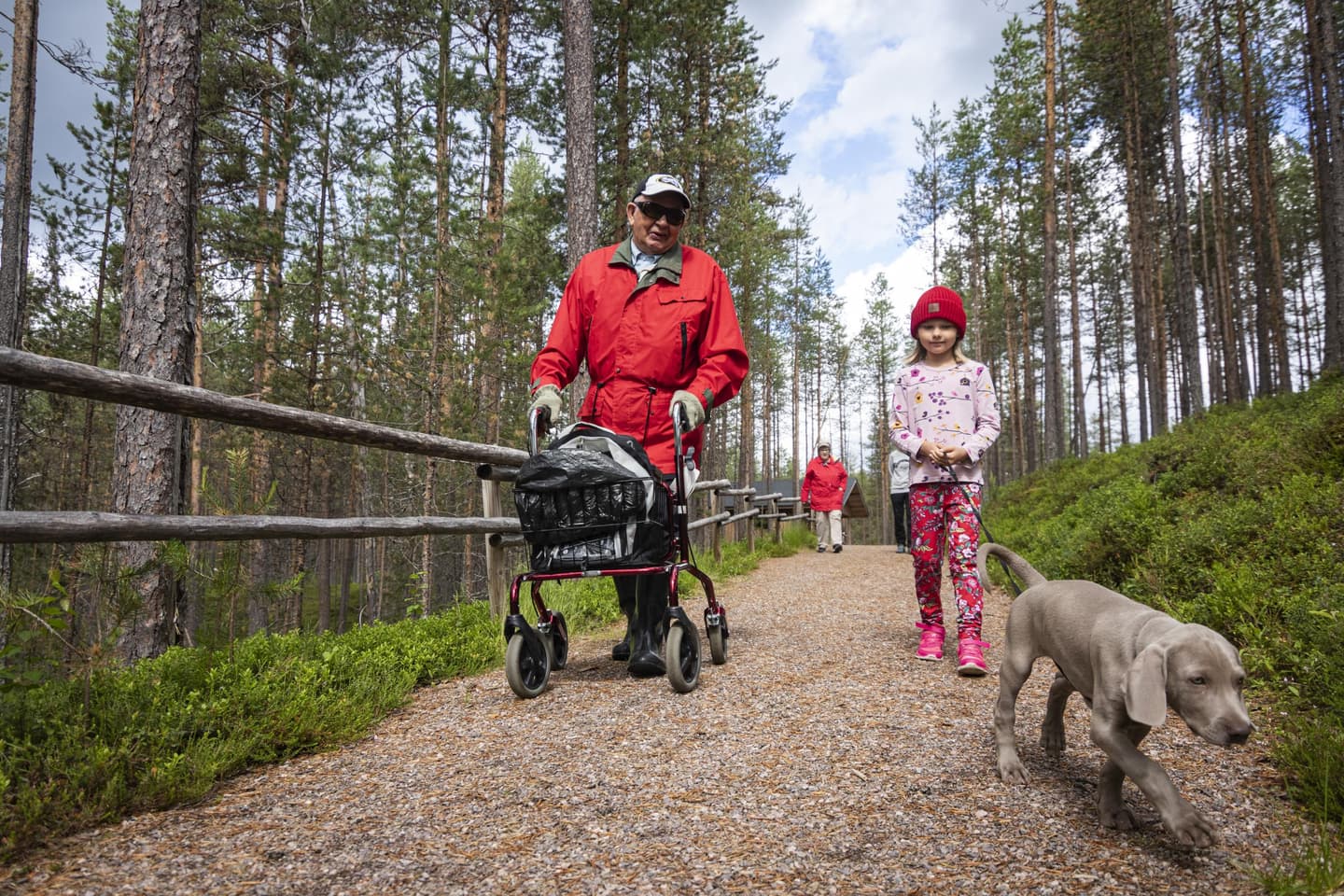
When the trail feels familiar before you even set off – accessibility information supports your visit[
Heading outdoors is easier when you know what to expect. In the Luontoon.fi service, you can now choose whether to view accessibility information alongside the trail description or only the basic description.
Different sections of the trail description may include detailed accessibility information. This allows you to see at a glance exactly the level of detail that suits your preferences. The information helps you to understand specific features in advance, such as slopes, bridges and rest areas. You can switch these descriptions on or off as needed. This function is currently being introduced in the service and is, for now, available only for some trails. Accessibility information will continue to expand steadily, one destination at a time.
The accessible descriptions in Luontoon.fi have been developed using customer research, involving hikers, assistants and experts by experience. The aim was to understand what kind of information genuinely supports visitors at different stages of their trip – from planning to the experience itself.
Accessibility information supports many types of outdoor activity
The research showed that accessibility information is used for an array of reasons. It supports, for example:
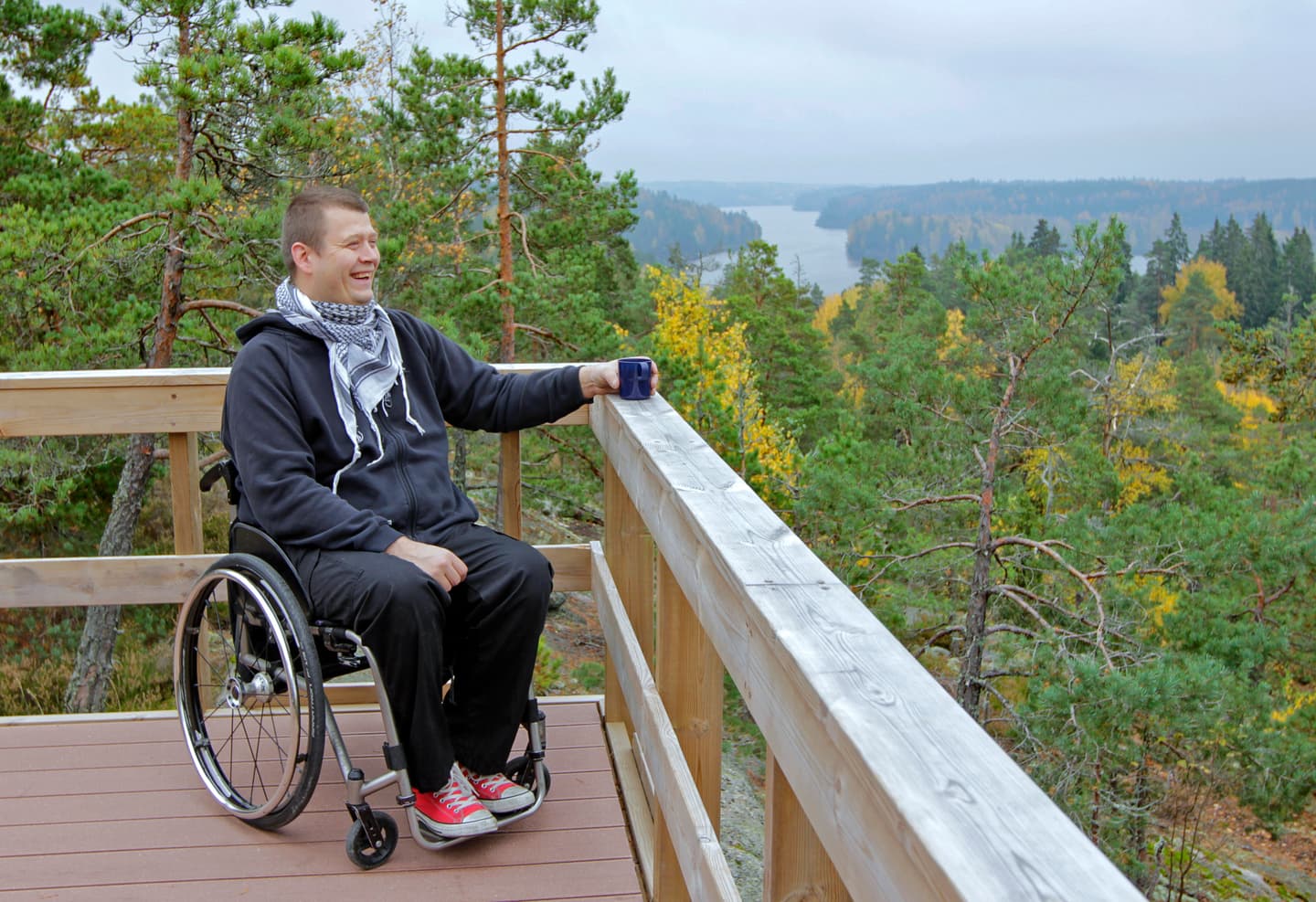
- people using mobility aids
- relatives and assistants
- visitors with prams or pushchairs
- group leaders and guides
For many, the most important thing is to gain a realistic overall picture of the trail: what the surface is like, whether there are steep sections or narrow parts, where it is possible to rest, and what kinds of structures are found along the route. With this information, everyone can assess for themselves whether the trail suits their needs.
Images and descriptions build confidence
Text alone is not always enough. According to the research, images play a key role. Seen as particularly useful were:
- general views of the trail
- images of more challenging sections
- images of campfire sites, rest areas, shelters and camping areas
Together with written descriptions, up-to-date and realistic images help you to understand the trail in advance – making it safer and more relaxed to set out.

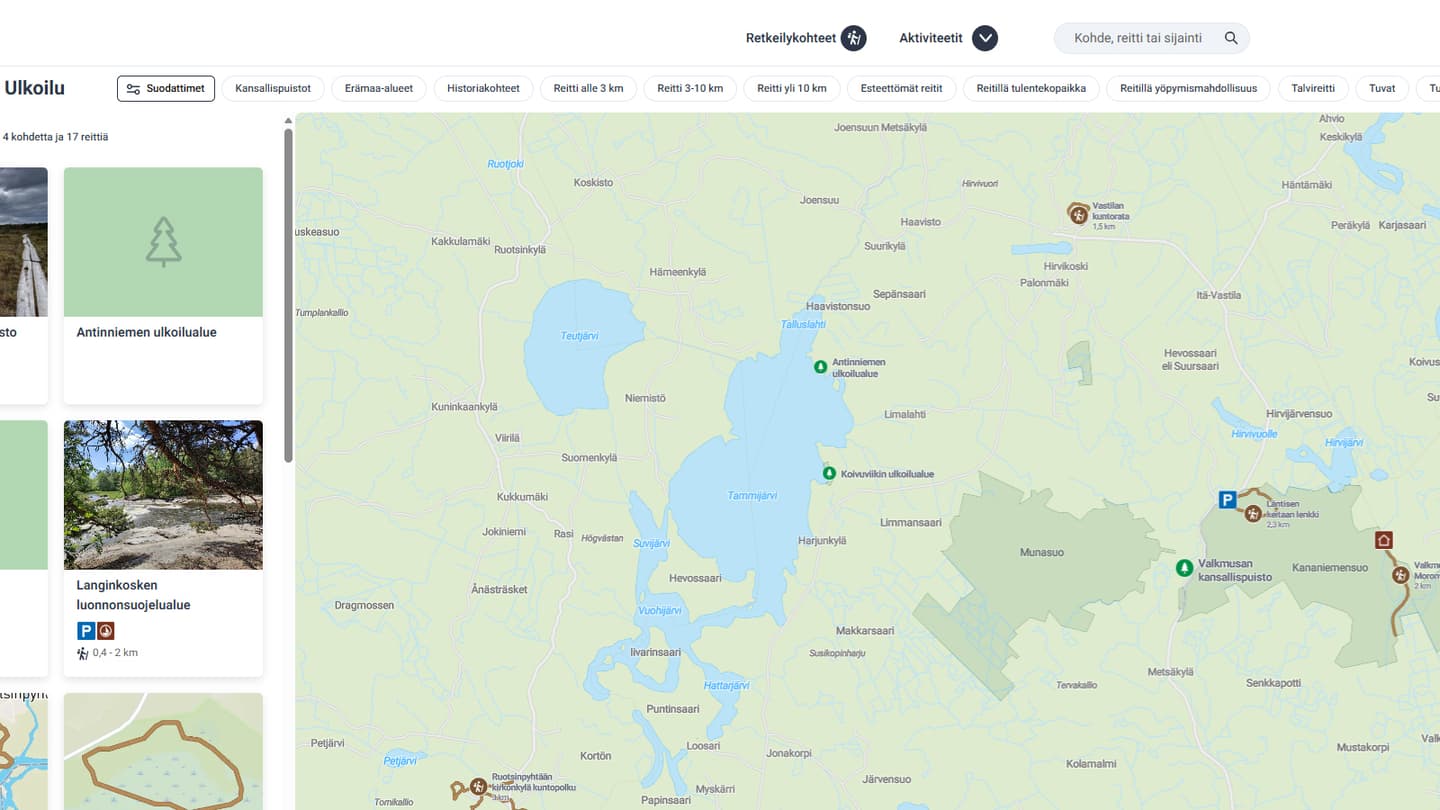
- Choose an accessible trail
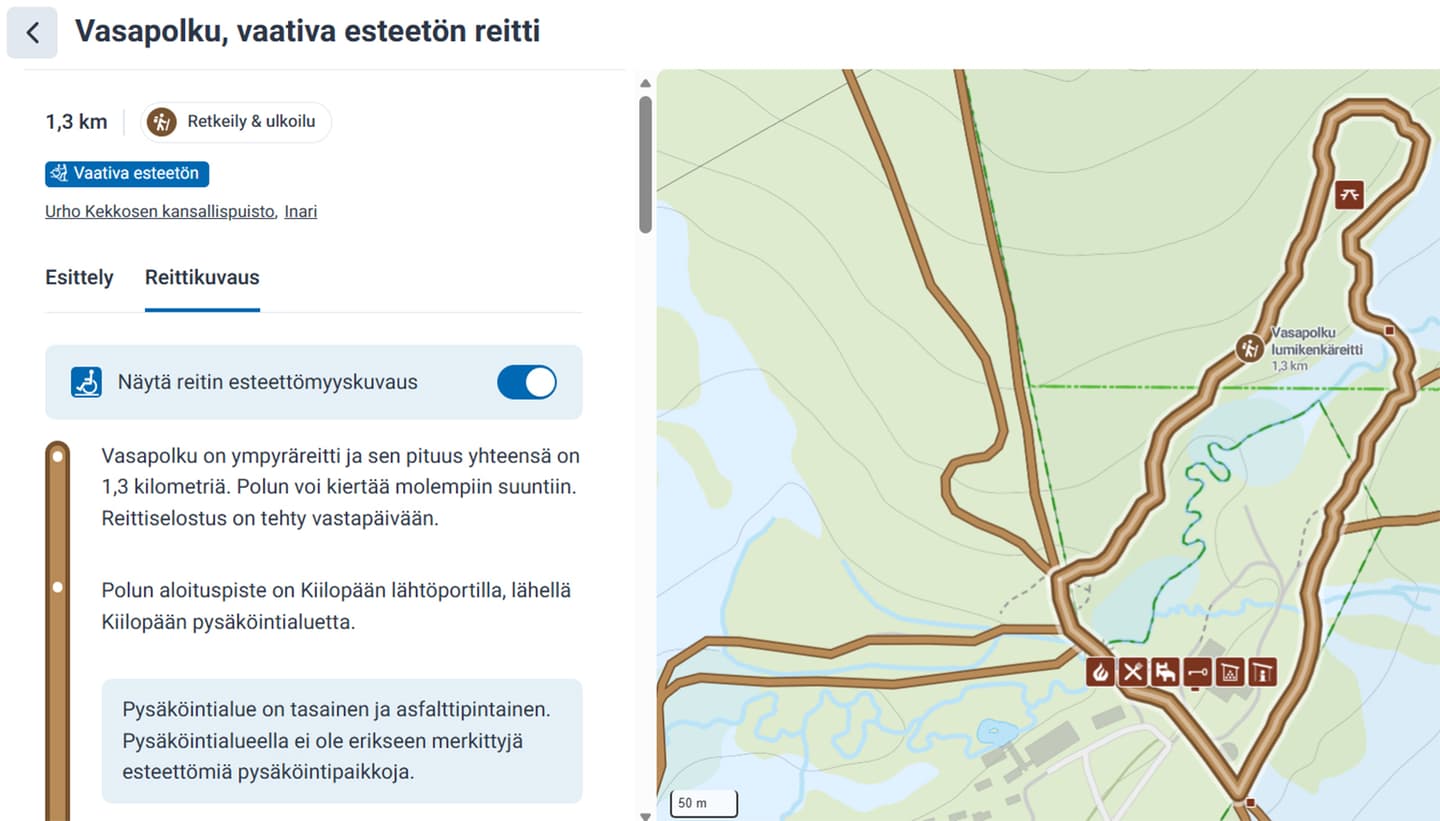
- On the trail page, open the Trail description tab
- Accessibility information is shown on a light blue background
- Use the Show route accessibility description toggle to switch the information on or off
Luontoon.fi developed based on visitor experiences
Findings from customer research have already been used to improve the service. For example, estimated times have been removed from accessible trails, as the time required varies greatly – especially when using mobility aids.
As a new feature, accessibility information is more than technical detail. It provides reassurance, supports planning and lowers the threshold for exploring new trails. Accessibility information has already been added to some trails. You can find these choices from the list below.