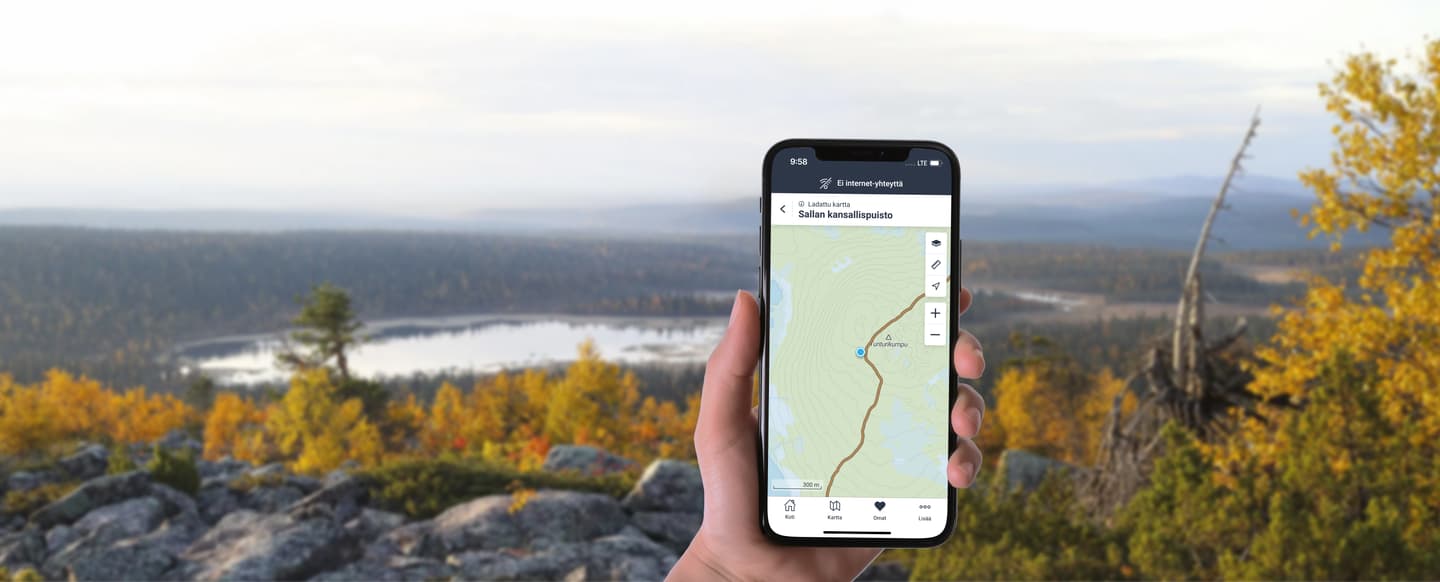
Please note that while the digital track is a useful tool, it does not replace official signposts or markings in the terrain. Always follow trail signs on site and take weather conditions into account.
What is a GPX file?
GPX is a widely used file format that allows a trail to be opened in many different map applications. Its key advantage is device compatibility – it works on both smartphones and dedicated GPS devices. A GPX track helps you navigate and stay on the trail.
- A GPX file includes, for example a track line.
When should you use a GPX trail?
Typical use cases for the trails in Luontoon service include:
- Hiking trails: GPS devices on longer hikes where long battery life and weather resistance are needed
- Cycling routes: bicycle computers with navigation and good battery performance
- Paddling routes: GPS devices requiring long battery life and weather resistance
A downloaded GPX file works without a network connection, provided that maps have been saved offline.
- A smartphone is usually best if you want an easy-to-use interface, offline maps and your location in one app.
- A dedicated GPS device is usually better when you need an off-the-road, weather resistance device with a long battery life even in demanding conditions.
How to download a GPX track from Luontoon.fi
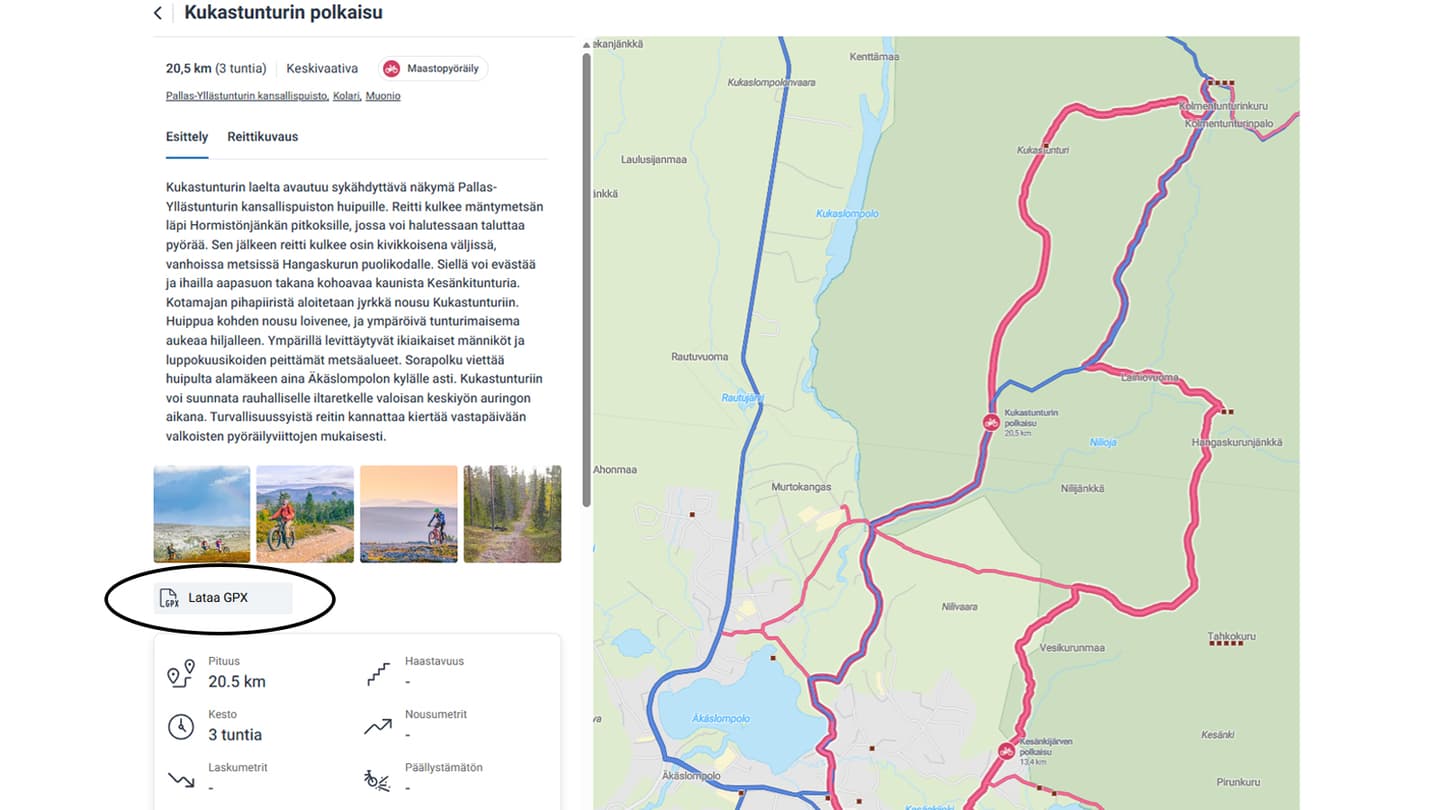
To save a trail, select Download GPX on the trail page.
- Find a trail from the page, for example: Pallas–Yllästunturi National Park > Kukastunturin polkasu - mountain bike trail
- Scroll if needed
- Click Download GPX
- Save the file to your phone
- Open it in a map application
- Save it to your app’s own routes
Frequently asked questions about GPX files
What does GPX mean?
GPX (GPS Exchange Format) is a file format used by GPS devices and map applications to share routes.
Where can I find GPX files?
On Luontoon.fi, GPX files are available on the trail presentation page, above the feature list, under Download GPX.