


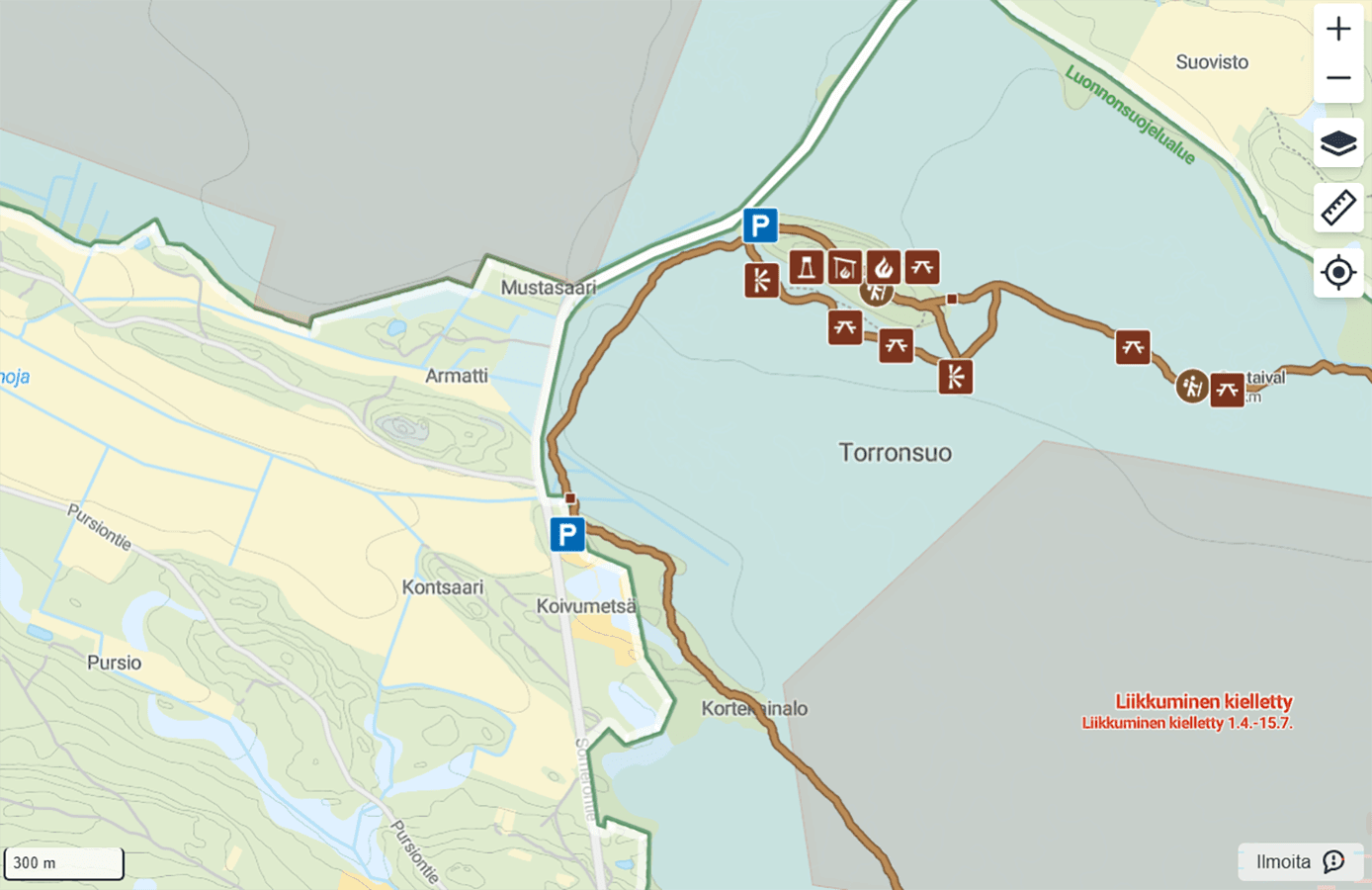
Items shown on the map are now divided into more specific groups
The services and destinations shown on the map have been split into more detailed groups than before. Each group has its own icon. When you click an icon on the map, you will always see what it means, so you do not need to memorise the icons.
Huts
Huts are now separated by hut type:


This way, you can already tell from the map what kind of hut it is and whether you need, for example, to book in advance before your trip.
Lean-to shelters and campfire huts
Covered rest stops have also been categorised in more detail:


The differences between the various structures are now visible on the map at a glance, making it easier to choose a rest stop both when planning your trip and while you are out on the trail.
Saunas and sights

Sights are separated into their own groups so that destinations of scenic and cultural-historical interest are easy to find on the map:


This is especially helpful when planning your trip, when you want to combine your route with memorable stops and moments in nature.
How to make use of the new categorisation
- Check the destinations and icons in the Luontoon map view.
- Identify destinations easily from the signs out in the terrain as well.